﷽
Generally we provide a email to every core member. This article is the the guideline of newly joined core team members of iSLamOS. Please read it carefully, if need any help, inform us.

What is Webmail?
A webmail a email hosting provider according to their website or company. It’s normally comes like the format username@domain.com. Hence, our webmail format is username@islamos.org. By using this webmail, you can use your custom email like all other email providers (e.g Gmail, Yahoo, Microsoft etc). Generally you can use this webmail by visiting webmail.islamos.org or you can also add webmail to your Gmail app or even any email using application.
How to change my default webmail password?
Okay, to change your default email password please follow these instructions.
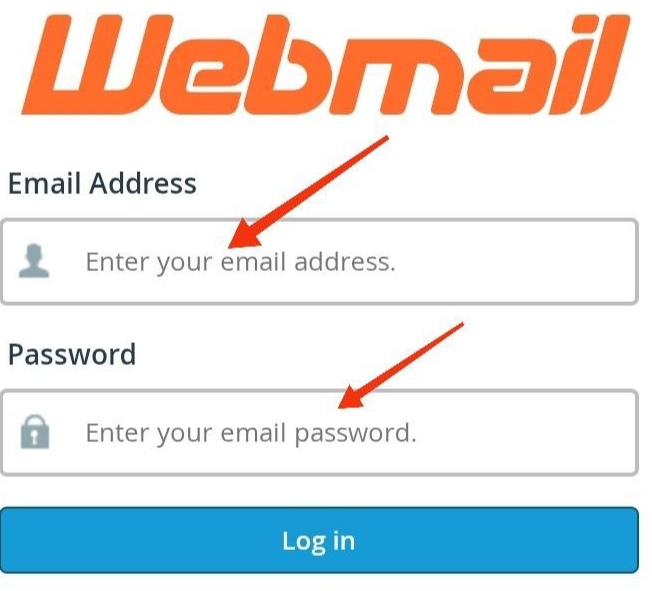
- Visit webmail.islamos.org, then login with your email which we provided and your default password.
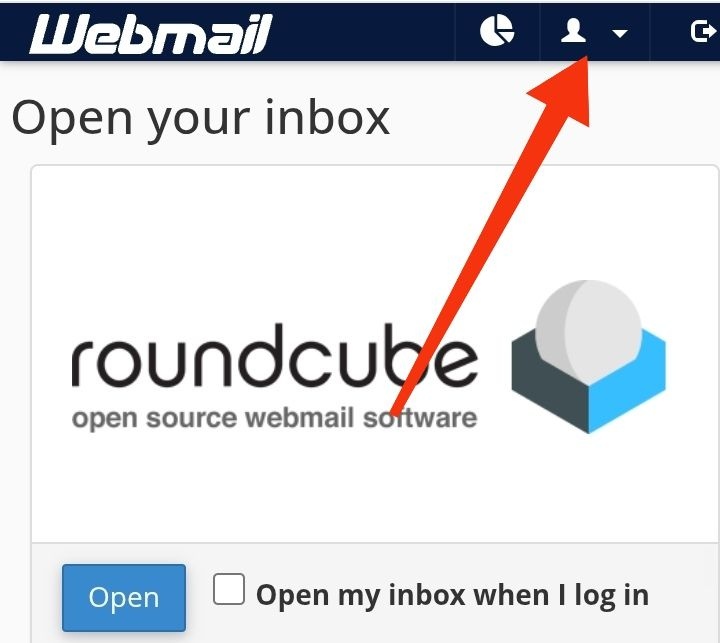
- 2. After log in, click the profile icon.
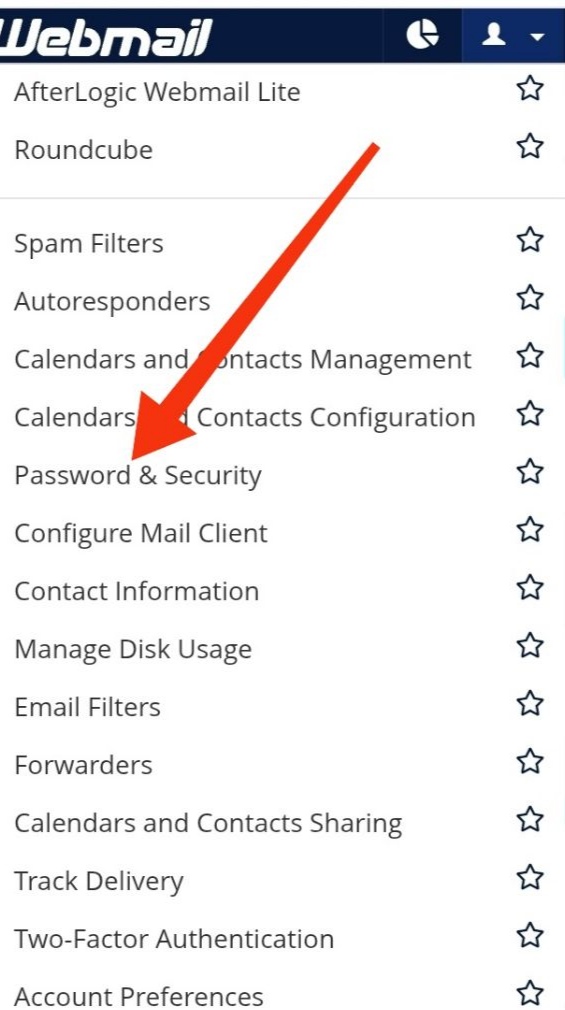
- 3. Now click “Password & Security” from the options.
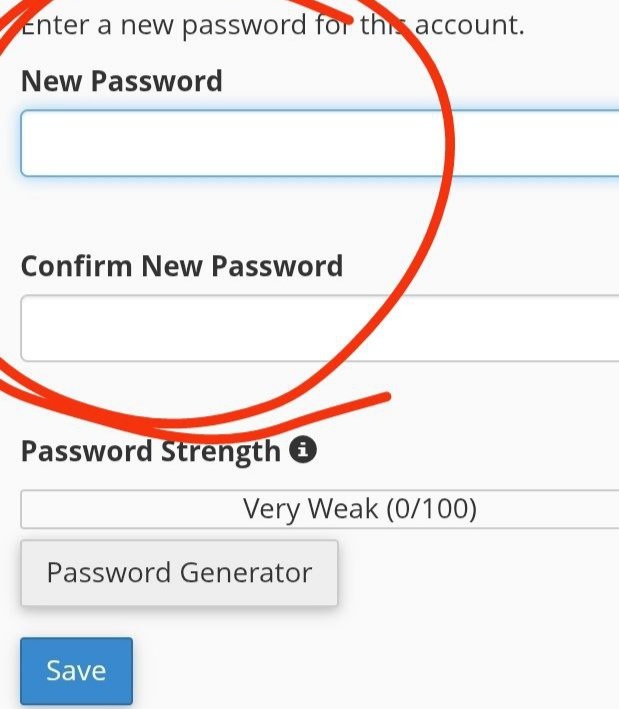
- 4. Now change your default password to a new password. Then click save. Done!
How to use your mail?
In common to use your email, you need to visit webmail.islamos.org, then login and then click “Open”. And finally you will see your email dashboard, where you can send, receive, write your email, etc. You can also add webmail to your Gmail app or even any email using application.
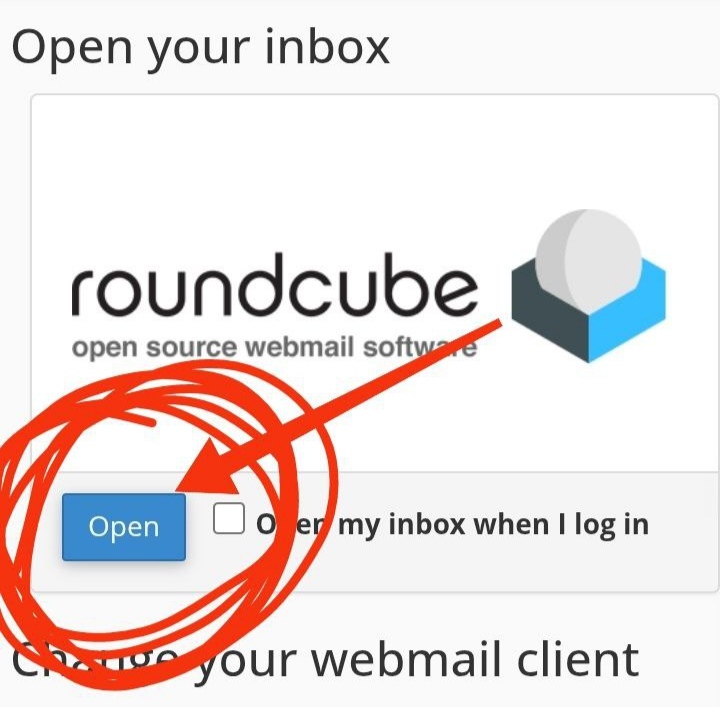
If need any help, please inform us.

| Administrator | iSLam OS Team | Author | At iSLamOS, we are committed to fostering a systematic and structured approach to understanding, reflecting upon (Tadabbur), and spreading the message of Islam across the globe. Our mission is deeply rooted in the Qur’an and Sunnah, guiding individuals and communities toward a comprehensive, intellectual, and practical engagement with their faith.